
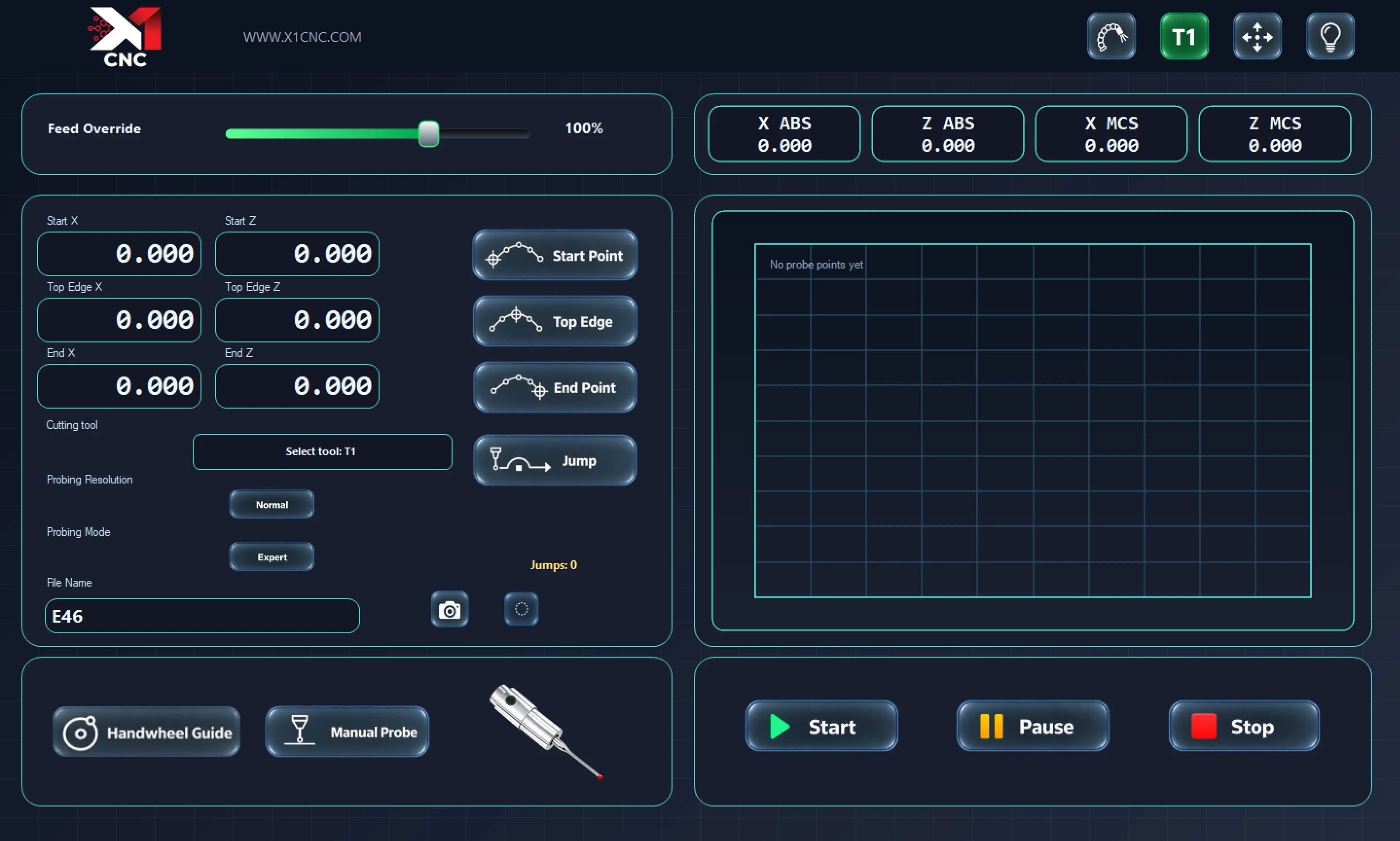
Capture the profile.
Set the start and end points, choose the supported probing workflow and keep the profile in view.
X1 CNC Control Software
Bring probing, profile refinement and cutting together on a supported alloy wheel CNC. Clear controls and the integrated X1 Smoother keep the job in view from start to finish.
Windows CNC installation · Guided machine setup · Existing CNC software can remain installed
Probe → Refine → Cut
Purposeful tools for the working day, with an operator-focused interface and automatic software updates.
Set the start and end points, choose the supported probing workflow and keep the profile in view.
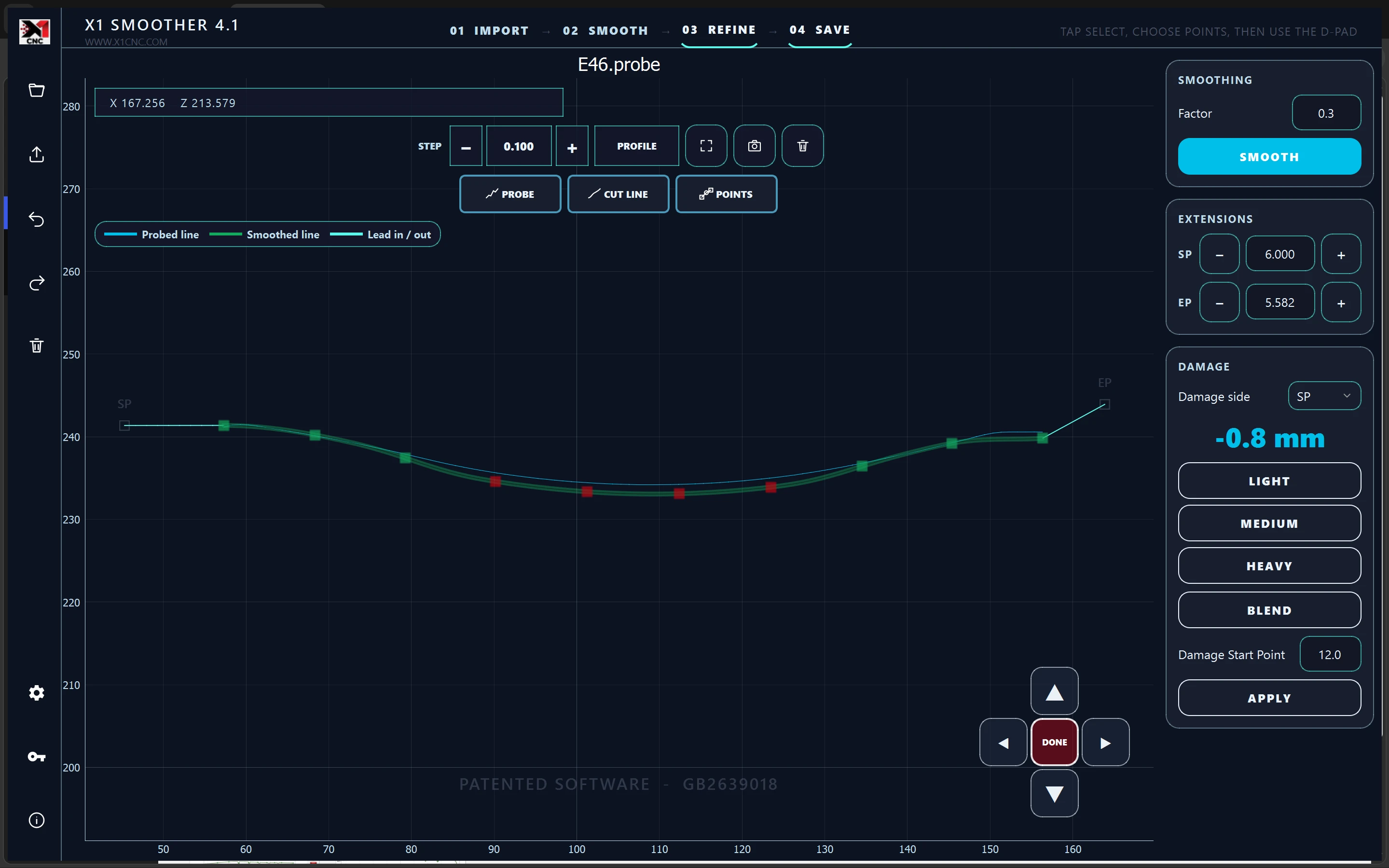
Use smoothing, damage blending, lead extensions and local point adjustments within the control application.
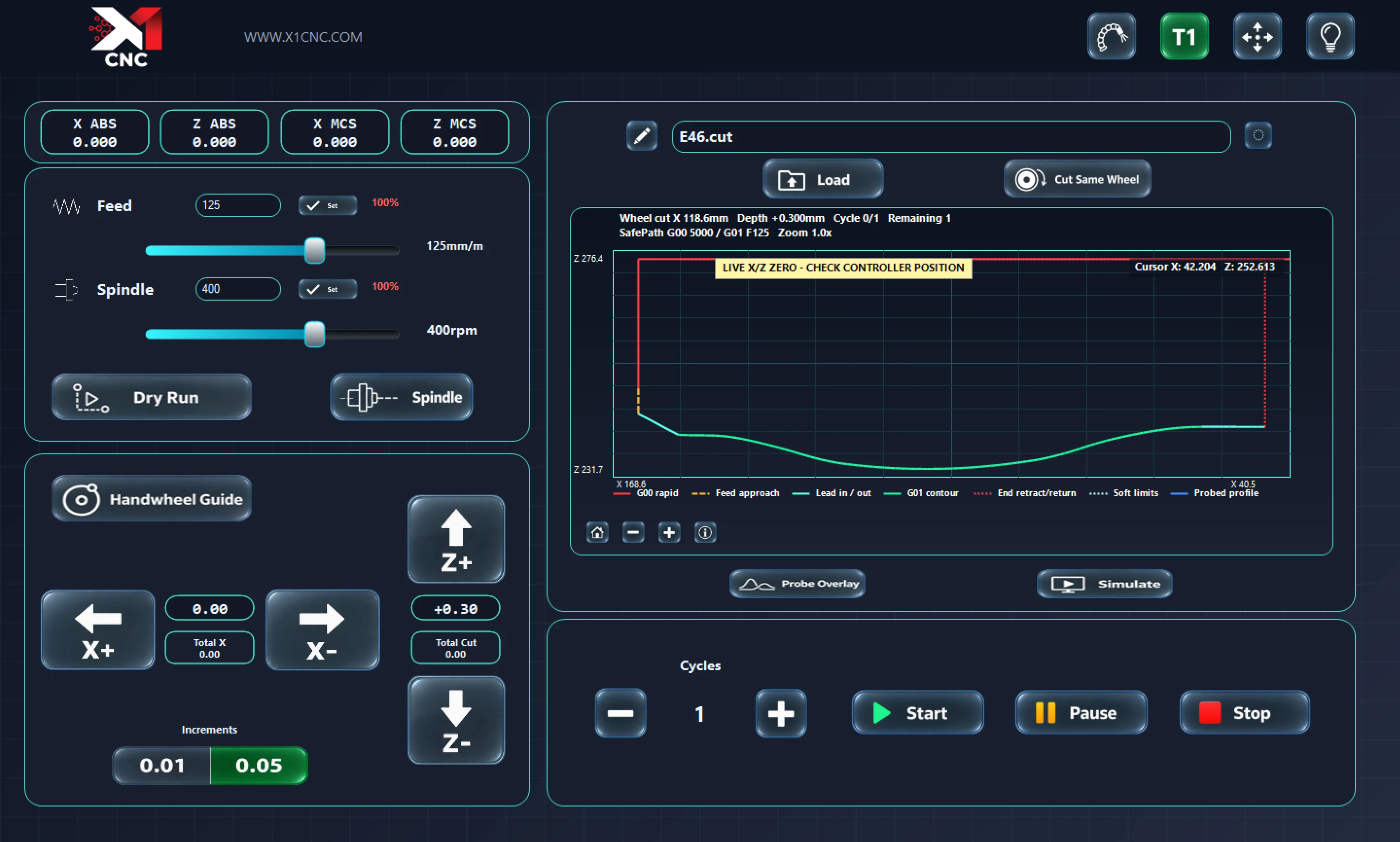
Review the toolpath alongside feed, spindle, dry-run, handwheel-guide and cycle controls.
Choose your licence
Choose monthly, annual or a lifetime USB licence. Eligible countries can receive regional monthly and annual subscription prices. The lifetime USB licence has a £3,500 worldwide base price.
Monthly
£90
Billed monthly · UK reference price
Annual
£1,000
Billed annually · UK reference price
Lifetime USB
£3,500
One-off USB licence · Worldwide base price
Start with a free trial and contact X1 about licence availability. The prices above identify the licence options; this page currently links to the trial download.
A straightforward start
Use the compatibility guide to identify the right software for your machine and controller.
Download the Windows installer and follow the guided machine setup.
Enter your company details in the software and request your free trial.
Pick the plan that suits the workshop. Regional offers include a business-verification step.
Find your machine
Looking for software or support for your alloy wheel CNC? Start with your make, model and controller.
X1 CNC Control needs a supported machine and controller configuration. Standalone Smoother compatibility depends on the profile-file format.
Before you begin